Why Fancy Fonts Show as Boxes (▯) and How to Fix It
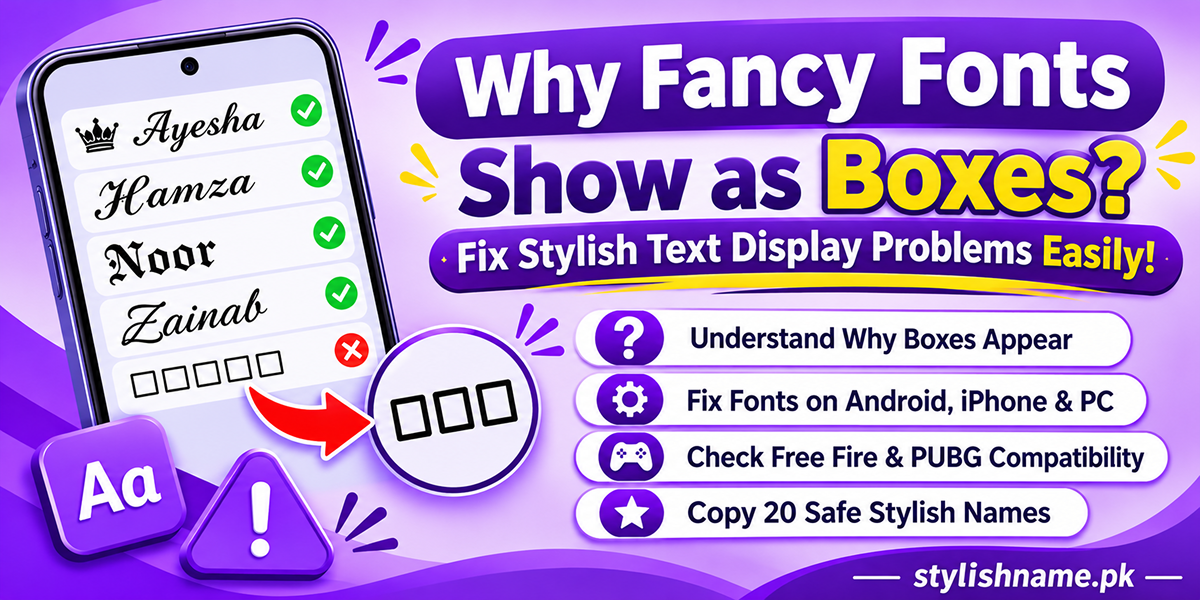
You found a cool stylish name, copied it, pasted it in WhatsApp or Free Fire, and then saw this: ▯▯▯▯. Or maybe your friend says, "Your name is just boxes." It is annoying, but it is easy to understand and usually easy to fix.
This guide explains why fancy fonts turn into boxes, how to test your phone in one minute, and what to do on Android, iPhone, PC and in games. At the end you get 20 safe stylish names that show up on most phones.
What is the box, really?
Fancy text is not a picture. It is made of special Unicode characters. Unicode is a big list of letters and symbols from every language. For example, 𝐀 (bold A) is a different character from the normal A.
To show a character, your phone needs a font that has a drawing for it. If no font on the phone has that drawing, the phone shows an empty box instead. Designers jokingly call this box "tofu" because it looks like a little white block of tofu.
The important part: the text is still there. If you copy those boxes and paste them on a newer phone, the real letters will often appear. Nothing is broken. That one screen just lacks a font.
Test your phone in one minute
Look at the ten lines below on your phone. Each one uses a different kind of fancy text. If a line shows boxes, your phone or browser cannot draw that style. Tap Copy and paste it in WhatsApp too, because the app can behave differently from the browser.
| # | Style | What a box here usually means |
|---|---|---|
| 1 | Bold | Very old phone or a custom theme font |
| 2 | Italic | Very old phone or a custom theme font |
| 3 | Bold script | Phone is missing the maths letter fonts |
| 4 | Script | Phone is missing the maths letter fonts |
| 5 | Small caps | Some small caps letters are newer; an old phone may miss one or two |
| 6 | Double-struck | Phone is missing the maths letter fonts |
| 7 | Sans bold italic | Phone is missing the maths letter fonts |
| 8 | Brackets | Phone has no font for the Javanese bracket ꧁꧂ |
| 9 | Newer emoji | Emoji is newer than your phone's emoji set |
| 10 | Zalgo / glitch | The app removes or cannot stack the extra marks |
Most people in Pakistan will see lines 1 to 7 fine on a phone from the last few years. Lines 8 to 10 are where boxes usually show up.
Why fancy fonts show boxes: 6 common reasons
1. Your phone software is old
Fonts come with the phone's system. A phone that has not been updated for years has an older font set. Newer symbols and emoji simply are not in it. This is the most common reason we hear about from users with older budget phones.
2. A custom theme font is switched on
Many Android phones let you change the system font from the Themes app. These downloaded fonts often cover only normal English letters. When you turn one on, fancy letters can turn into boxes, even on a new phone. Switching back to the default font usually fixes it straight away.
3. The app uses its own font
Games like Free Fire and PUBG Mobile, and some older apps, draw text with their own built-in font. That font has far fewer characters than your phone. So a name that looks perfect in WhatsApp can show boxes, blanks or question marks inside the game.
4. The symbol or emoji is very new
Unicode adds new emoji almost every year. 🫶 (heart hands) and 🩷 (pink heart) are recent examples. On a phone with an older emoji set they show as a box or a box with a question mark.
5. Zalgo or "glitch" text
Glitch text like Z̷a̷i̷n̷ stacks extra marks on top of letters. Some apps cut these marks off or show them as boxes. Many games and social apps also block them in names because they can break the layout.
6. The other person's phone is different
You see your name with your phone's fonts. Your friend sees it with theirs. That is why a name can look fine to you and still show boxes for someone else. Always check how your name looks on at least one other phone, especially an older one.
How to fix boxes on Android
- Update the phone. Go to Settings, then System or About phone, then Software update. Install anything waiting.
- Update Chrome and Android System WebView from the Play Store. Many apps use WebView to show text, so an old copy can cause problems.
- Turn off custom theme fonts. Open Settings, then Display or Themes, then Font, and pick the default system font.
- Update the app itself, for example WhatsApp, Instagram, TikTok or your game.
- Restart the phone after the updates. Some font changes only show after a restart.
- Still boxes? Then the phone simply does not have that character. Pick a safer style from the list below.
Menu names differ a little between Samsung, Infinix, Tecno, Oppo, Vivo, Xiaomi and other brands, but the steps are the same idea.
How to fix boxes on iPhone
iPhones get their fonts and emoji with iOS updates. Open Settings, then General, then Software Update. On a recent iOS version, almost all fancy letters show correctly. If an old iPhone cannot update anymore, newer emoji may still show as boxes, and the only real fix is to use older, common symbols.
How to fix boxes on a computer
- Update your browser (Chrome, Edge or Firefox) and your operating system.
- On Windows, fonts like Segoe UI Symbol and Segoe UI Emoji cover most symbols. They come with Windows, so an updated PC normally shows them.
- If one website shows boxes but others do not, the site may be forcing a font that lacks those characters. Try copying the text into another page or app.
Typing on a PC? Our stylish keyboard lets you build fancy text without switching apps.
Boxes in Free Fire and PUBG names
Gamers see this problem the most, and it can cost money. A rename card or diamonds are gone once you confirm the name. So follow this simple rule: paste first, check, then pay.
- Paste the name into the rename box and look at the preview. If any part shows ▯, ?, or a blank space, change it.
- Stick to symbols many players already use, like 亗, 彡, 乂, ★ and ♛.
- Remember that some symbols count as two characters, so a long name may get cut.
- Avoid zalgo text and brand-new emoji in game names.
Our Free Fire name maker and PUBG name maker focus on styles players use often. For the full rename steps, read how to change your Free Fire name with symbols.
When Urdu text shows boxes or broken letters
Urdu is a joined script. Letters change shape depending on their place in a word. That needs a smart font. If an app or phone does not have one, you may see boxes, or the letters may appear separate and back to front.
Updating the app usually fixes it on WhatsApp and Facebook. In games, Urdu script is often not supported at all, so use Roman Urdu spelling like "Sukoon" or "Shaheen" instead. You can make Urdu stylish names with our Urdu name tool or pick from our Urdu stylish names list.
20 safe stylish names that show on most phones
These use bold, italic, script and small caps letters with older, common symbols. They are a safer bet when you want everyone to see your name. Copy one and swap in your own name.
Want more? Type your own name in our stylish name generator and choose a bold, italic or small caps style. Girls can find more ideas on the girls names page, and boys on the boys names page.
Symbols that often turn into boxes
These are not banned. They just fail more often on older phones and inside games. Use them with care, and test before you use them in a paid rename.
- Brand-new emoji such as 🫶, 🩷 and 🫠.
- Rare script letters like ꧁꧂ brackets on some older phones and in some games.
- Zalgo or glitch marks stacked on top of letters.
- Very rare symbols from old or uncommon scripts, like 𓆩 𓆪, which many fonts do not include.
- Mixed fonts in one name. Three different fancy styles in one name raise the chance that one part fails.
Our symbols guide explains 73 popular symbols, and the symbols page lets you copy them quickly.
Quick checklist before you use a stylish name
- Does it look right on your phone?
- Did you check it on one other phone, ideally an older one?
- Did you preview it in the app or game before saving?
- Is it one style with one or two symbols, not five?
- Is your real name still easy to read?
If you answer yes to all five, you are good to go. This also helps with bios. See our Instagram bio fonts guide and the TikTok name maker for styles that read well.
Frequently asked questions
Why does my stylish name show as boxes?
The box (▯) means the phone or app has no font that can draw that letter or symbol. The text is not broken. It is just missing a font on that screen.
Will the other person also see boxes?
Maybe not. Every phone uses its own fonts. Your name can look perfect on your phone and show boxes on a friend's older phone, or the other way round.
Which fancy fonts work on most phones?
Bold, italic, bold script and small caps letters work on most phones made in the last few years. Common symbols like ★, ♛, ✿ and ♡ are also safe choices.
How do I fix boxes on my Android phone?
Update Android and your apps, update Android System WebView and Chrome from the Play Store, and switch any custom theme font back to the default system font. Then restart the phone.
Why does Free Fire or PUBG show boxes or ??? in my name?
Games use their own small font, so they support fewer symbols than your phone. Test the name in the rename box first. If you see boxes or question marks, swap the symbol before you spend a rename card or diamonds.
Why does Urdu text look broken or show boxes?
Urdu needs a font that joins letters. Some apps and old phones do not have one, so letters may show as boxes or as separate shapes. Updating the app usually helps, and in games you should use Roman Urdu instead.
Final words
A box is just a missing font, not a broken name. Update your phone and apps, turn off custom theme fonts, and preview names before you save them, especially in games. When you want a name that works for almost everyone, pick bold, italic or small caps with a common symbol. Our free stylish name generator gives you those styles in one tap.